
See a procedure preview
before a consultation.
Upload a photo, choose a procedure, and compare private Standard or Enhanced previews before deciding what to discuss.
Private by design
Your uploads stay in your private library
Compare preview levels
Explore subtle to more noticeable variations
Made for consultation prep
Use previews as a visual reference — not a prediction
A clearer way to explore
Havelo gives a private visual reference before a cosmetic consultation. It helps turn general curiosity into a clearer conversation about options.
Before Havelo
Research without a visual reference
Compare options in the abstract
Wonder how a change may sit on a photo
Arrive with broad questions
Keep starting from scratch

With Havelo
Choose a procedure
Upload a guided photo
Compare preview options
Save results privately
Bring a clearer reference
PROCEDURE PREVIEWS
Explore a change
before a consultation
Choose a procedure and compare different preview strengths on a photo. Havelo is for visual exploration, not medical advice or a guarantee of outcome.
- Private results saved to a library
- Compare the original and preview


BEFORE
Projection


BEFORE
Projection
Choose Procedures
Discover science-backed facial transformations and non-surgical procedures.
How it works
How Havelo works Explore before a consultation
Choose a procedure, follow its photo guidance, then compare a private visual preview with the original.
Choose a procedure
Browse available procedures and select the change you want to explore.
Drag and drop file To upload
POSES REQUIRED
- Front Face
- Right Side Profile
- Left Side Profile
- Right Quarter Profile
Upload a guided photo
Use one clear front or side-profile photo, based on the procedure guidance.
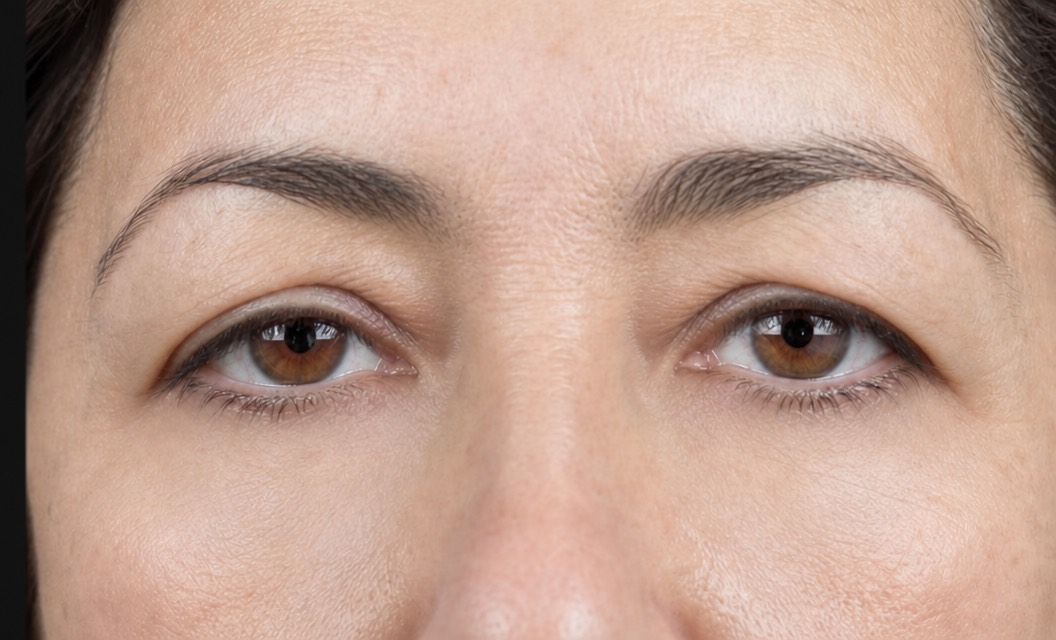
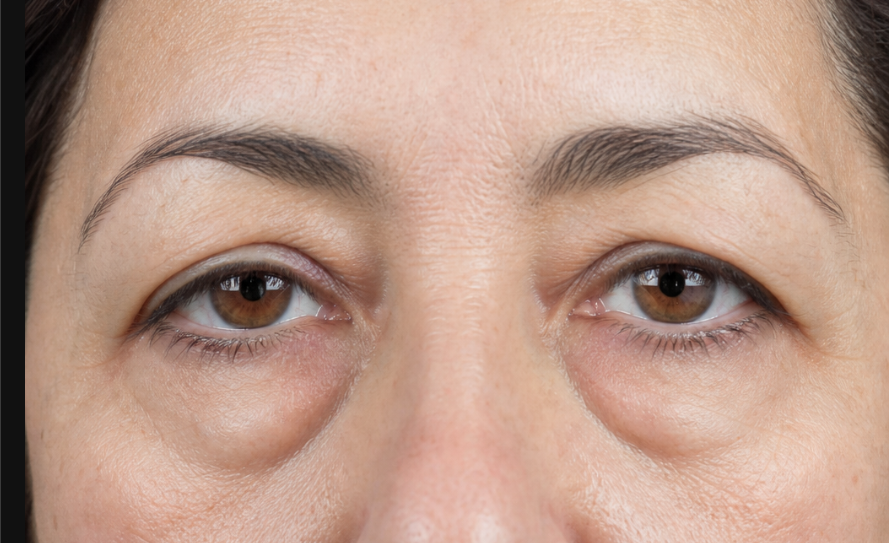
Compare the preview
Select intensity and Standard or Enhanced quality, then compare the preview with the original in the private library.
Pricing
Frequently asked questions
What to know before exploring a cosmetic procedure preview.